One shop, one stock count, one set of books.
Your counter, your online shop and Shopify orders, all selling from the same stock, invoicing and customer records.

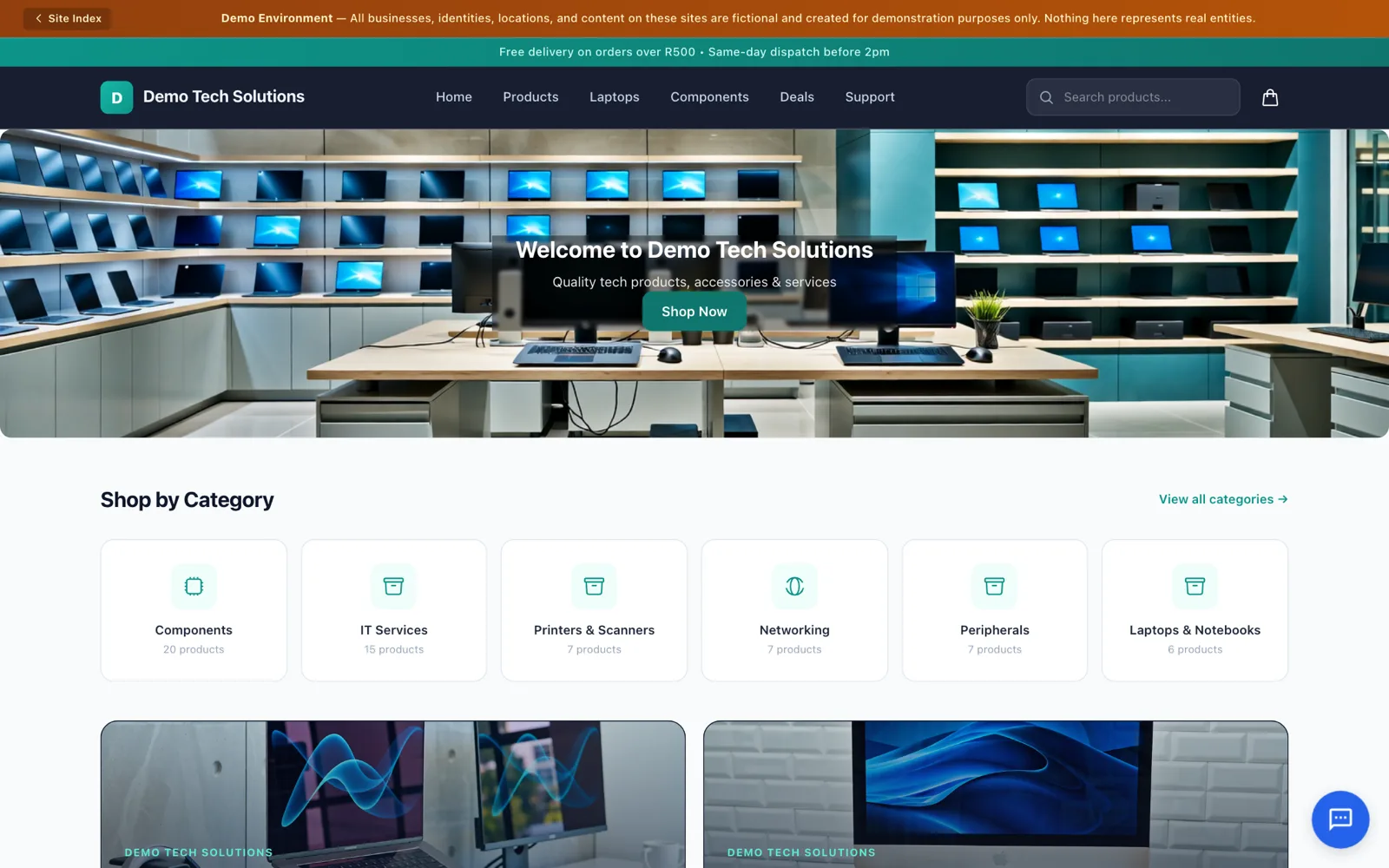
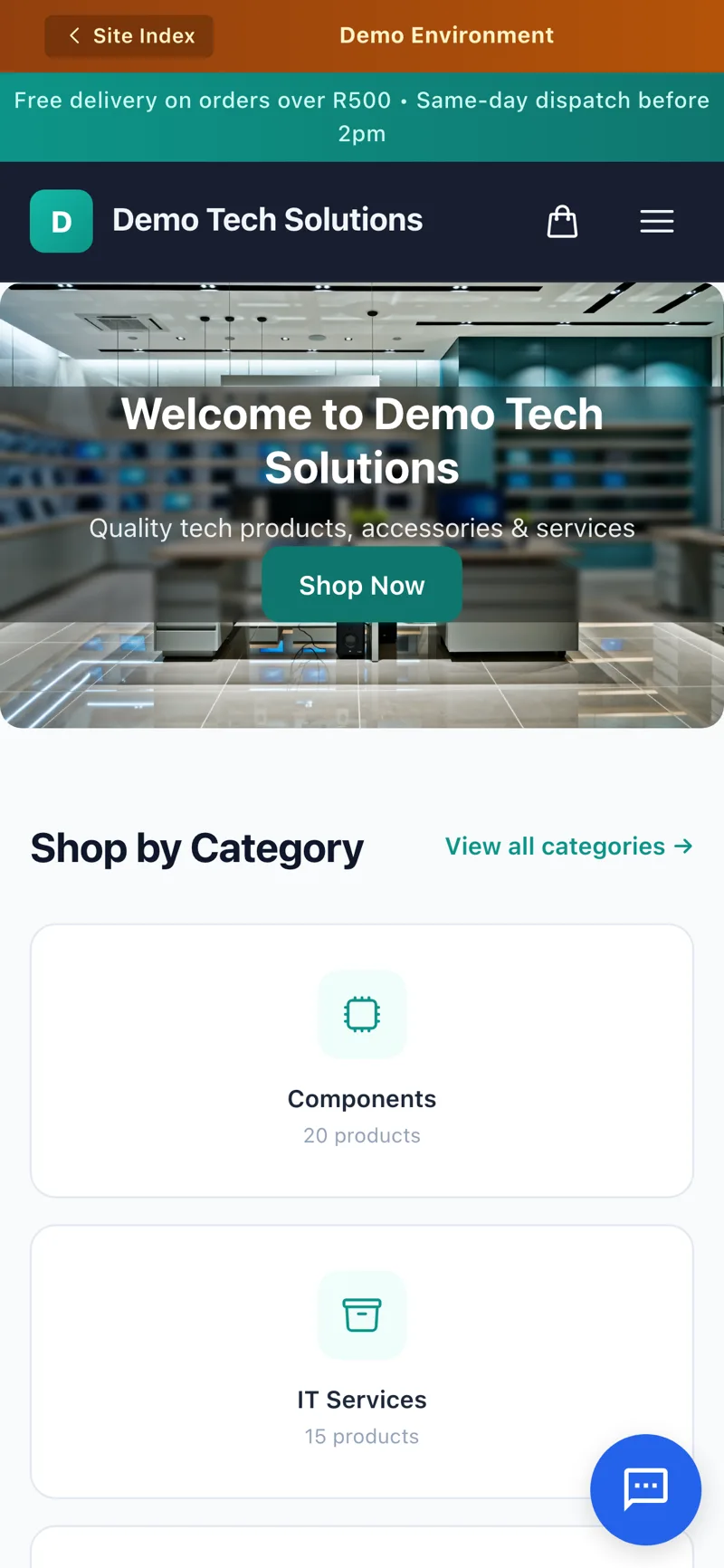
See a real shop, not a mockup.
This is Demo Tech Solutions, a live sample shop selling from real stock on BX1X. Browse products, add to cart and check out. Nothing is charged.
An order, from click to invoice.
Step through one order: it comes in, the stock is set aside, it’s packed and shipped, and the sale lands in the books.
An order comes in, from your shop or Shopify.
Whether it was placed on your own online shop, a connected Shopify store or rung up at the counter, it lands in the same place.
- Item
- Ceramic mug set x2
- Channel
- Own online shop
- Payment
- Received
The order creates or updates her customer record.
Sample dataStep 1 of 5: Order comes in.

One store, however you sell.
- Your own online shop, or embedded on your siteProduct pages, a cart and checkout, or a product card and mini cart on a site you already have. See the online shop.
- Shopify orders, next to everything elseConnect one or more Shopify stores; their orders come in ready to pick, pack and invoice.
- Fulfilment on a real screenPicking, packing, ready to ship and shipped, with proof of delivery. See orders and delivery.
- Stock that can’t be sold twiceOne stock count across your shop, Shopify and the counter. See stock and warehouses.
Set up for how you sell.
A market stall, a shop counter and an online store, connected instead of copied between apps.
More on selling this way: running a market stall and an online store on the same stock.
Questions owners ask
Do I need a separate website to sell online?
No. BX1X includes its own online shop with product pages, a cart and checkout, and you can also embed product cards, grids and a mini cart on a site you already have.
I already sell on Shopify. Do I have to move everything?
No. Connect one or more Shopify stores and their orders come into BX1X next to your other sales, ready to pick, pack and invoice.
Can the same item be sold twice by mistake?
No. Stock is set aside the moment an order is placed, whether it came from your shop, Shopify or a counter sale.
What happens after someone pays?
The order moves through picking, packing and ready to ship, then goes out by courier, collection in store or your own driver's run, with proof of delivery.
Can I sell more than physical products?
Yes. Physical goods, digital downloads, services, bundles and subscriptions can all be listed in the same shop.
Can I sell to customers outside South Africa?
Yes. Price the sale in another currency for that customer, and your own books stay in rand.
Take one order through BX1X yourself.
Get a demo account and try it: place an order, watch the stock update, and see the invoice post to the books.