Run the workshop like a business.
Task boards, parts from stock, hours per vehicle and invoicing, connected on one customer record.
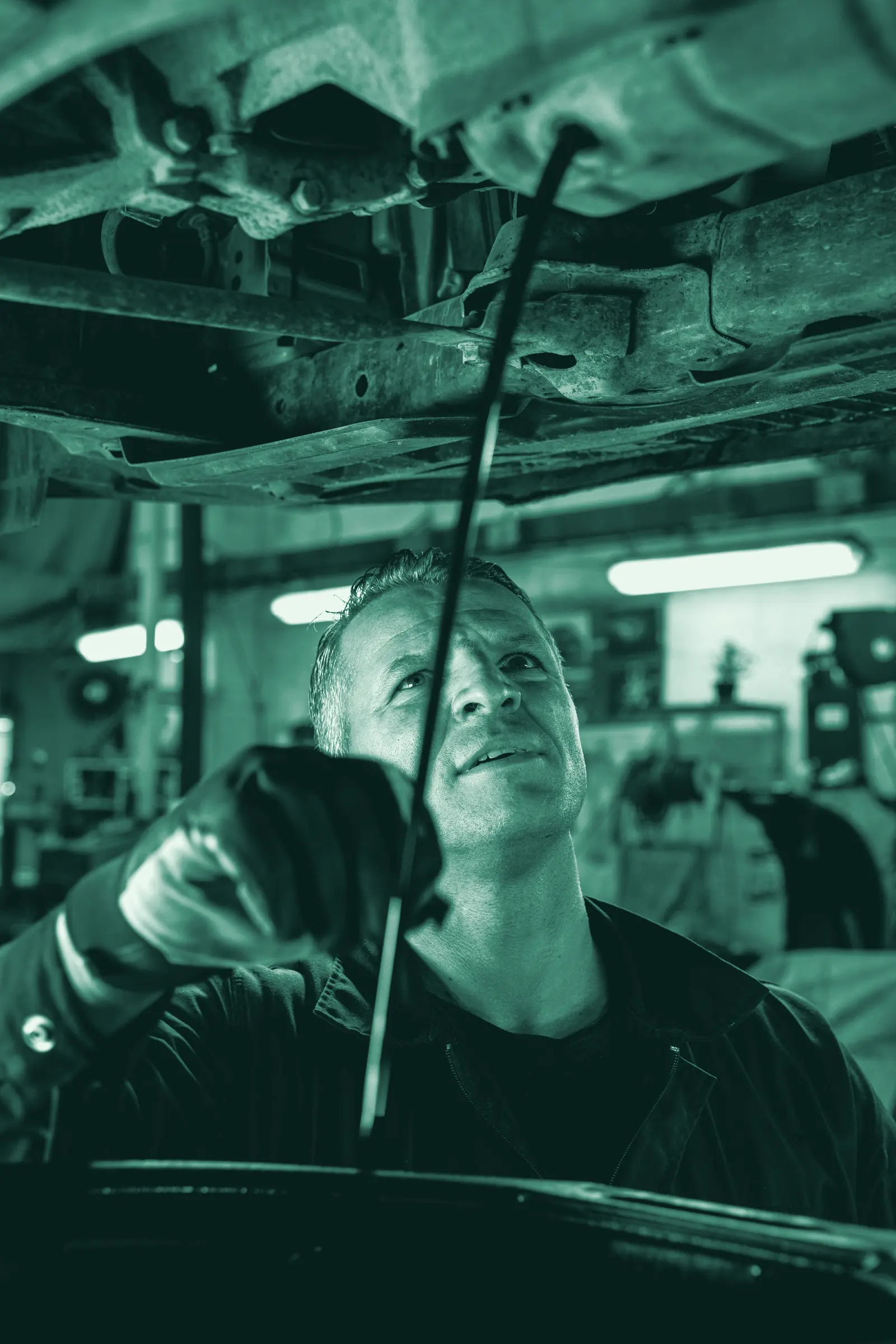
A vehicle, from bay to invoice.
Step through a job: the car comes in, gets quoted, the parts and hours are logged, and the invoice follows.
A car comes in for a look.
The registration, customer and the problem go onto a task board card, so the front desk can see where every vehicle stands without shouting across the floor.
- Customer
- N. Botha
- Assigned to
- P. van Wyk
Every vehicle on the floor has its own card.
Sample dataStep 1 of 5: Car comes in.
Off the clipboard, into one system.
- Task boards for the floorYour own columns, a timer on each card, so you can see what’s in progress without walking the floor. See time and projects.
- Every customer and vehicle, one recordPast quotes, invoices and what was fitted, ready before the customer calls back. See customers and portal.
- Suppliers checked before you payA delivery is received against the order, and price or quantity differences are flagged. See orders and delivery.
- “Your vehicle is ready”, sent from BX1XMessage the customer from a shared WhatsApp inbox on their record. See messages and WhatsApp.

Set up for how you work.
Whether it’s a two-bay garage, a fitment centre or a fleet of regulars, the same system carries the work.
More on running a workshop this way: replacing paper job cards with one connected system.
Questions owners ask
Can I track labour hours per vehicle?
Yes. Log time against the job on your task board, mark it billable, and turn the billable hours into a draft invoice you check before sending.
How do I know which parts went on which vehicle?
Parts fitted come off your stock the moment they're used, and a serial number links a specific part, such as a battery, to the vehicle it went into and its warranty.
Can I see a returning customer's history?
Yes. Every quote, invoice and vehicle detail sits on one customer record, so you're not starting from scratch when they come back.
Are supplier deliveries checked before I pay?
Yes. A delivery is received against the order request, and the order, delivery and supplier's bill are compared, with any price or quantity difference flagged.
Can a customer accept a quote before I start the work?
Yes. They accept or decline it online in their own portal, and you see the answer straight away.
Does the invoice update the books on its own?
Yes. Once posted, the invoice and the payment matched to it post to your ledger.
Take one car through BX1X yourself.
Get a demo account and try it: quote the repair, log the hours, fit the parts and send the invoice.